Aerial Guides
Field guidance on drone thermal payloads — aerial inspection, mapping, and public-safety operations.
Compliance guides
What the FAA rules actually require before a mission flies.
Part 107 for New Drone Pilots: The Complete Starting Point
What 14 CFR Part 107 actually requires: the certificate path, the operating limits you use every flight, airspace authorization, Remote ID, and the mistakes that get new pilots violated.
Read guidePart 108Part 108 for New Drone Pilots: BVLOS Rules and Where They Stand
Part 108 is the FAA's proposed rule for routine beyond-visual-line-of-sight flight. It is not in effect yet. Here is what it would change, what is legal today, and how to plan around it.
Read guidePart 109Part 109 for New Drone Pilots: The Rule That No Longer Exists
There is no Part 109 in the FAA's drone rules, and no Part 109 in 14 CFR at all today. Here is what it used to be, why it still gets quoted, and what to study instead.
Read guidePart 110Part 110 for New Drone Pilots: What It Is and Why It Is Not Your Rule
Part 110 is the general-requirements part of the air-carrier certification rules, not a drone rule. Here is what it does, and when it starts to matter to an operator.
Read guidePart 121Part 121 for New Drone Pilots: The Airline Rule You Fly Around
Part 121 governs scheduled airline operations — no drone flies under it. But Part 121 traffic is why most of your airspace decisions matter. Here is how to deconflict from it.
Read guidePart 139Part 139 for New Drone Pilots: Flying At and Around Certified Airports
Part 139 is airport certification. For a drone pilot it marks the airports where airspace authorization, airport-operator permission and site access are all mandatory — and where one mistake stops the operation.
Read guideCompliance questions
All rules →Do I need a license to fly a drone for business?
Yes. Any flight that supports a business or client requires a Remote Pilot Certificate under FAA Part 107 unless it is flown under a public-agency COA. Recreational flights still require passing the free TRUST test.
Is a state drone law different from the FAA rules?
They stack. The FAA sets the airspace and operating rules everywhere, while each state adds its own statutes on privacy, critical infrastructure, wildlife and agency purchasing. A flight is compliant only when it satisfies both.
Do thermal inspection drones need Remote ID?
Any registered drone needs Standard Remote ID or a broadcast module, thermal payload or not. Aircraft without Remote ID may only operate inside an FAA-Recognized Identification Area.
Can a drone be used to locate or hunt game?
Most states prohibit using a drone to locate, drive, track or take game, and some restrict flight over wildlife management areas. The state wildlife agency's rule controls on top of the FAA rules.
AI Buyer's GuideNew
Ask a question or search in plain English — get a personalized article with product matches and comparison tables.
Interactive comparison tool
Pick your hunt or mission profile and compare matching optics side-by-side.
Guide library
13 guides
Drone model
Category
Use case
Part 107 for New Drone Pilots: The Complete Starting Point
What 14 CFR Part 107 actually requires: the certificate path, the operating limits you use every flight, airspace authorization, Remote ID, and the mistakes that get new pilots violated.
4 min readPart 108 for New Drone Pilots: BVLOS Rules and Where They Stand
Part 108 is the FAA's proposed rule for routine beyond-visual-line-of-sight flight. It is not in effect yet. Here is what it would change, what is legal today, and how to plan around it.
3 min readPart 109 for New Drone Pilots: The Rule That No Longer Exists
There is no Part 109 in the FAA's drone rules, and no Part 109 in 14 CFR at all today. Here is what it used to be, why it still gets quoted, and what to study instead.
2 min readPart 110 for New Drone Pilots: What It Is and Why It Is Not Your Rule
Part 110 is the general-requirements part of the air-carrier certification rules, not a drone rule. Here is what it does, and when it starts to matter to an operator.
2 min readPart 121 for New Drone Pilots: The Airline Rule You Fly Around
Part 121 governs scheduled airline operations — no drone flies under it. But Part 121 traffic is why most of your airspace decisions matter. Here is how to deconflict from it.
2 min readPart 139 for New Drone Pilots: Flying At and Around Certified Airports
Part 139 is airport certification. For a drone pilot it marks the airports where airspace authorization, airport-operator permission and site access are all mandatory — and where one mistake stops the operation.
3 min read
The Importance of Reliable Power: DJI TB30 Batteries Explained
Learn why authentic DJI TB30 batteries are critical for Matrice 30 series thermal performance.
1 min read
Optimizing Fleet Readiness: The DJI BS100 Battery Station
Ensure your drone fleet is always ready with the DJI BS100 Intelligent Battery Station.
1 min read
Mastering Enterprise Flights with the Matrice 4TD and RC Plus 2
Learn how the RC Plus 2 controller enhances precision for the Matrice 4TD thermal platform.
1 min read
Revolutionizing Remote Inspection with the DJI Dock 3 and Matrice 4TD
Discover how the automated DJI Dock 3 and Matrice 4TD bundle streamlines industrial inspections.
1 min read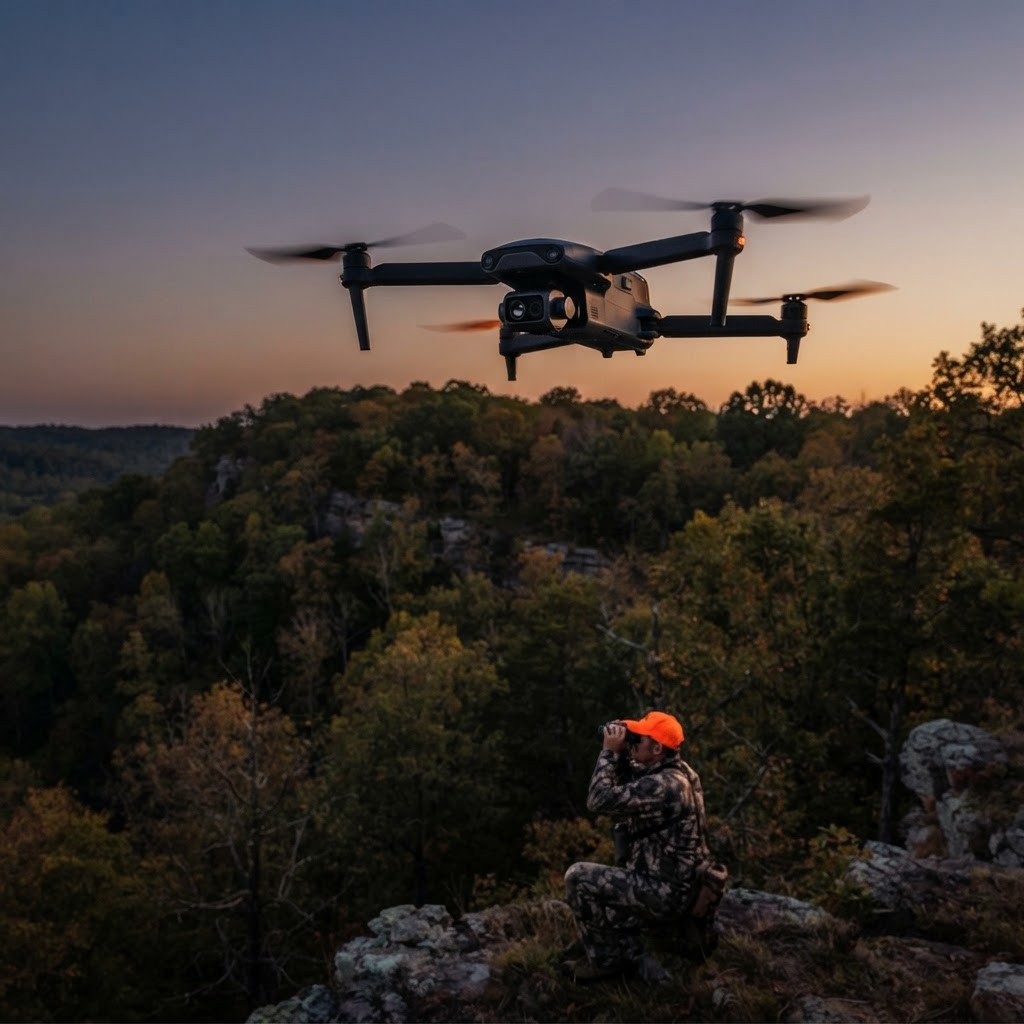
Getting Started with the Autel Ready to Hunt Drone Bundle
Everything you need to master aerial thermal scouting with the Autel Ready to Hunt bundle.
1 min read
Advanced Inspection with the Sentera 6X Thermal Pro
Scale your inspection capabilities with the high-resolution Sentera 6X thermal payload.
1 min read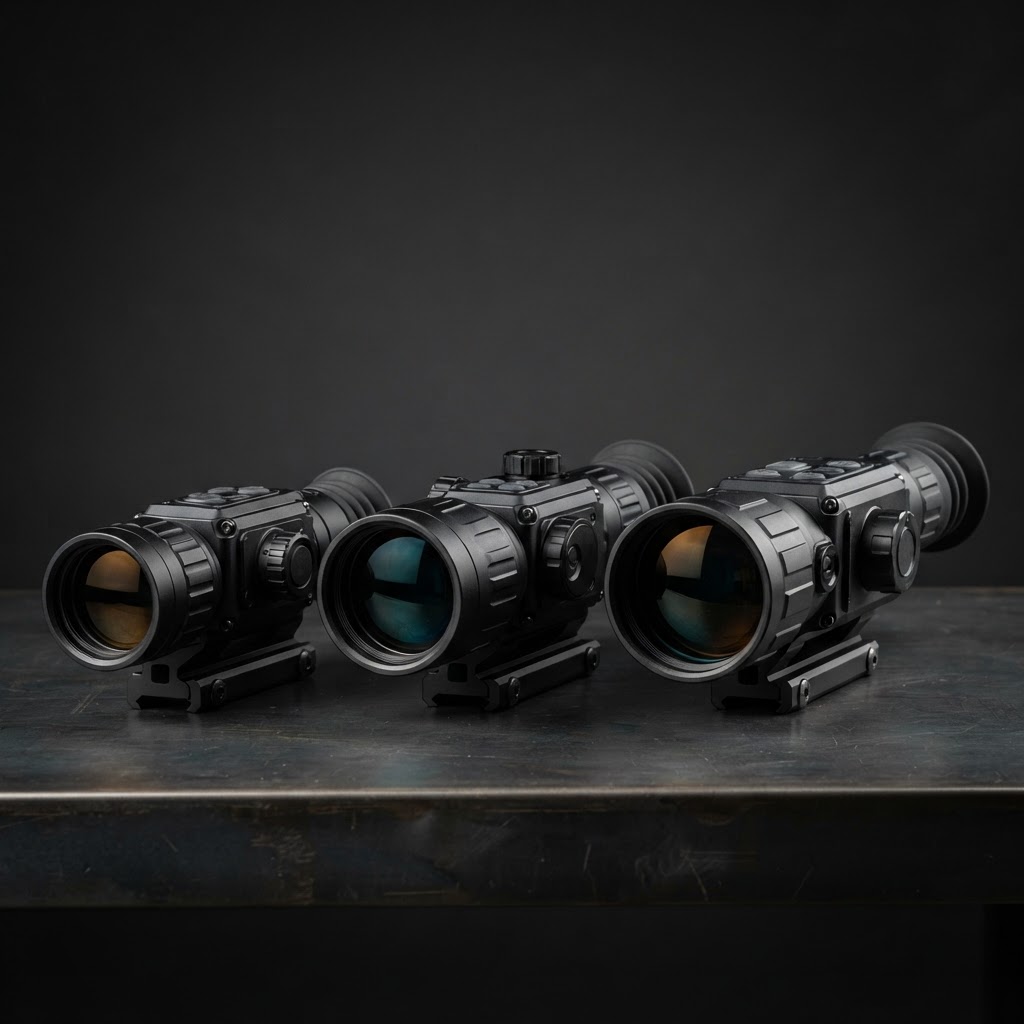
Which Thermal Brand Fits Your Mission?
Every thermal maker has a philosophy. Here's the honest read on each manufacturer we carry — and the shooter they suit.
3 min readMaintenance & repair
Full training libraryThe checks that keep an airframe flying — and the route to take when one stops.
Before every flight
- •Inspect every prop — a nick, crack or loose hub retires the prop, it is not a spare.
- •Wiggle each motor for bearing play and spin it by hand to listen for roughness.
- •Check gimbal dampers and clean the thermal window with a microfiber cloth.
- •Confirm batteries are unswollen, cell-balanced and above storage charge.
After every flight
- •Clear dust and moisture off the airframe, lens and sensor window before it sets.
- •Let batteries cool to ambient before charging them.
- •Download imagery and confirm every radiometric file opens correctly.
Monthly or every 10 flight hours
- •Check arms, landing gear and airframe screws for cracking or loosening.
- •Verify the gimbal horizon is level against a known-level target.
- •Read the manufacturer's release notes before any firmware update.
Seasonal & storage
- •Store batteries at 40–60% charge — never long-term at full or fully discharged.
- •Keep the aircraft in a padded case with desiccant.
- •Send the airframe in at the manufacturer's scheduled service interval.
If something breaks
- 1Check warranty coverageTerm, what it covers, and what voids it for this airframe.
- 2Register the serial numberRegistration is what makes a claim fast instead of a paper trail.
- 3File a warranty claimOpen a claim and get a reference to track it with.
- 4Reach manufacturer serviceBrand service phone, inbox and repair intake page.
- 5Track a repair or returnStatus by claim or shipment reference, no login needed.
Care guides
Manufacturer training & care
Official flight tutorials, thermal-payload training and service programs, published by the manufacturer. Browse the full training library
DJI
Enterprise tutorial library plus a lifetime maintenance service program.
Autel Robotics
Weekly EVO support videos and a full EVO Max airframe course.
Teledyne FLIR
The deepest source on thermal payloads: radiometry, palettes, temperature accuracy.
Skydio
Flight School series from their in-house pilots, plus setup and mission guides.
Inspired Flight
Webinar series with partners on real inspection and public-safety workflows.
Freefly
ALTA X training playlist with a dedicated maintenance episode, plus the factory ground and pilot school.
MicaSense
Sensor setup and data-capture walkthroughs for Altum and RedEdge payloads.
Sentera
Support centre with setup and data-collection video guides for Sentera sensors.
ACSL
SOTEN flight basics plus the controller firmware-update walkthrough.
GDU
Official GDU tutorials plus the manufacturer's own video centre.
Vantage Robotics
Vesper operator manual, including the required inspection after every flight.
WISPR Systems
Drone and LiDAR system walkthroughs from the manufacturer.
HIKMICRO
Support centre for firmware, calibration and care of the handheld and payload cameras.